Features
Assets
Browse and download all images, icons, and graphics used across a website. It’s perfect for designers and developers who need to reuse existing assets for redesigns or reference.
Browsing assets
The Assets tab lets you browse all images, icons, and graphics used across the page.
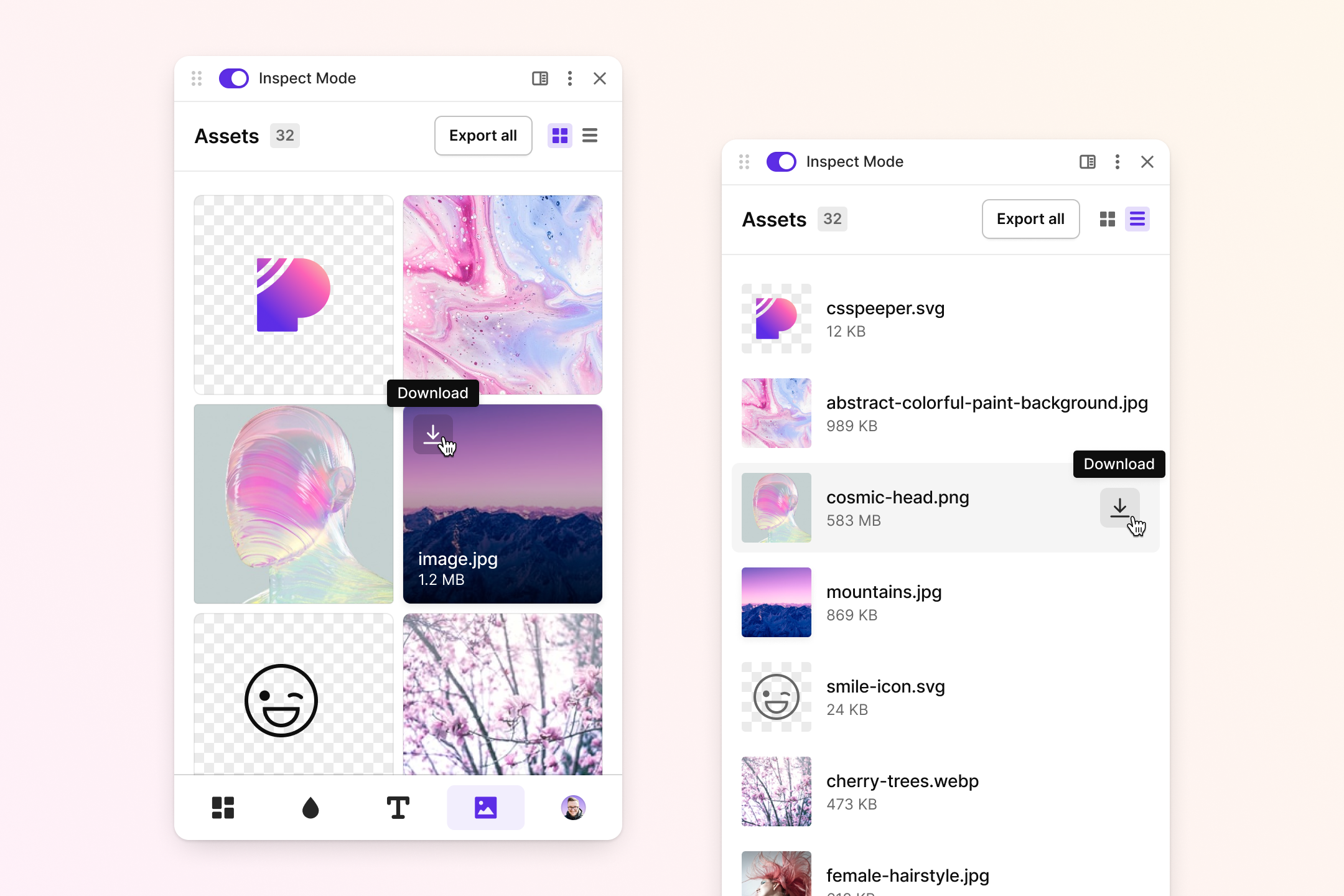
- Auto-Detected Assets – View all images, SVGs, and icons used on the page in one place.
- Grid & List View – Switch between grid and list layouts based on the level of detail you need.
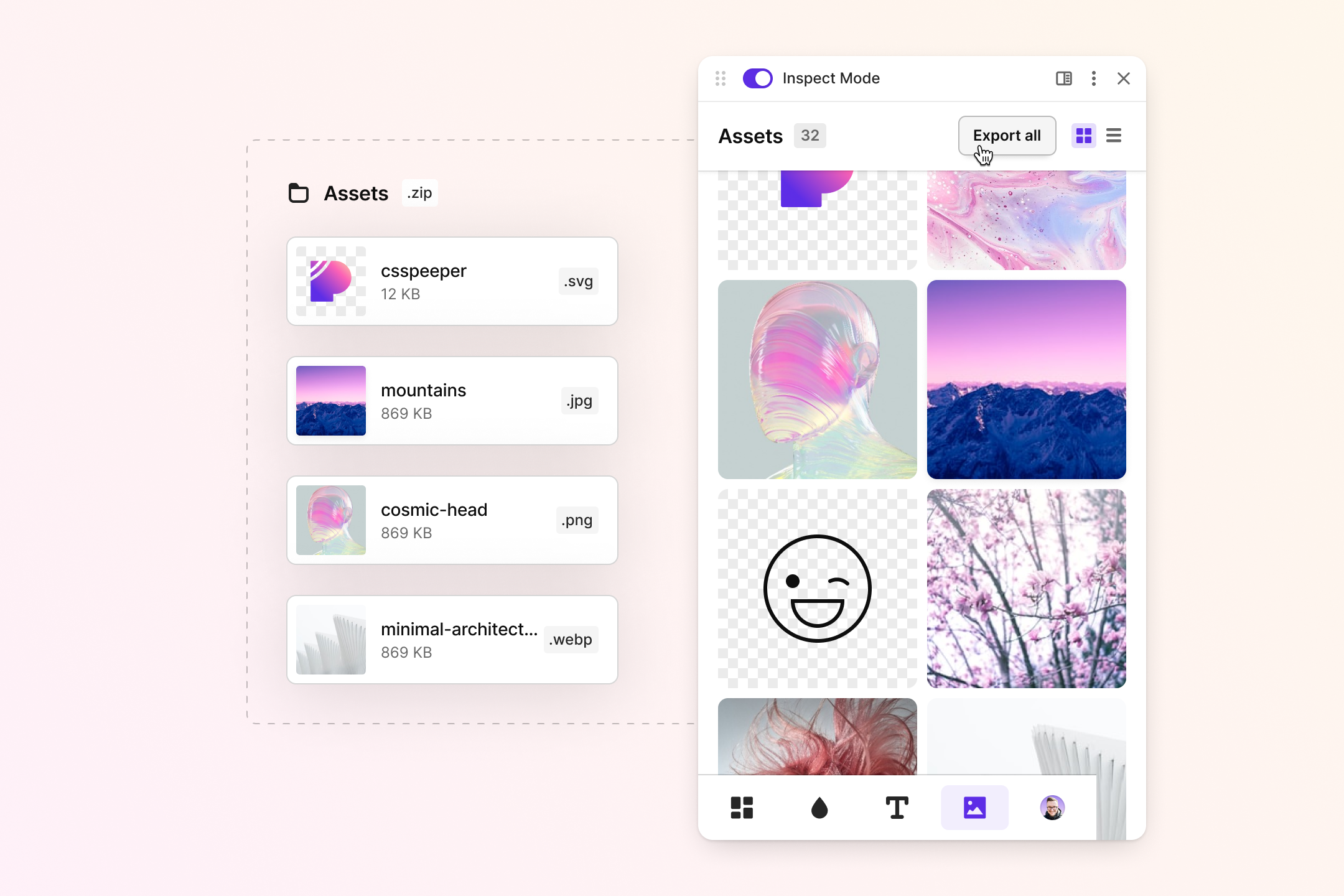
- Quick Downloads – Download individual assets or export all detected assets in a .zip file with a single click.
- Asset Details – See file formats, dimensions, and other relevant information at a glance.
Exporting assets
Easily download individual assets or click "Export All" in the top-right corner to download a .zip file containing all detected assets.